

Enable / Disable e-Charger
Our e-Chargers can be locked or unlocked, in order to prevent use by unauthorized third parties. This lock prevents the use of the charger by another person, including the owner of the charger. In order to charge a car it will be necessary to unlock the device.
It is possible to perform the locking/unlocking via Bluetooth or WiFi. Depending on your e-Charger model, there are up to four ways to enable or disable your charger:
Option 1 – via the app

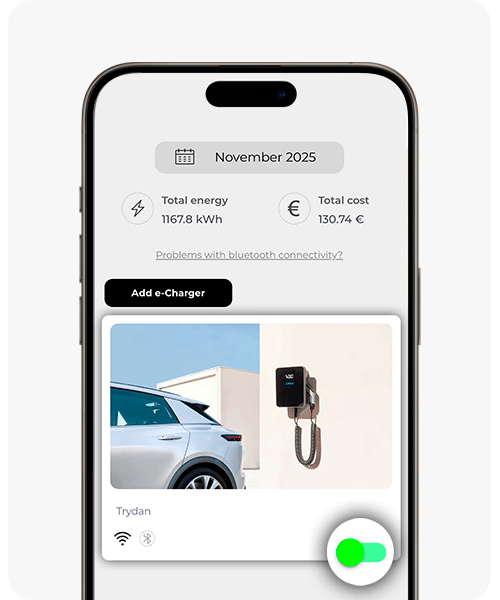
You can enable or disable it from the V2C Cloud main screen
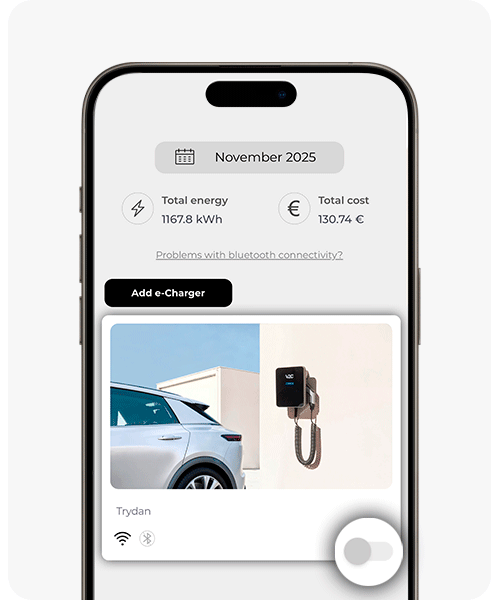

If you are connected via Bluetooth, tap the refresh button to check its current status. If it is locked, it will appear like this:
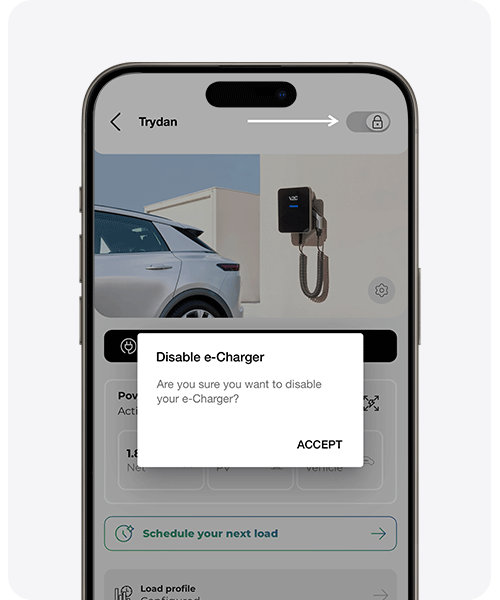

It is also possible to enable or disable it by clicking the lock icon on the charger’s main screen
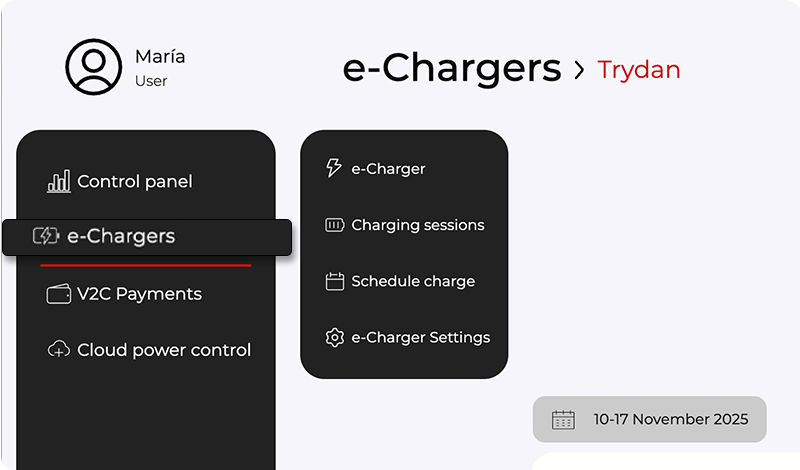
Option 2 – via the web platform
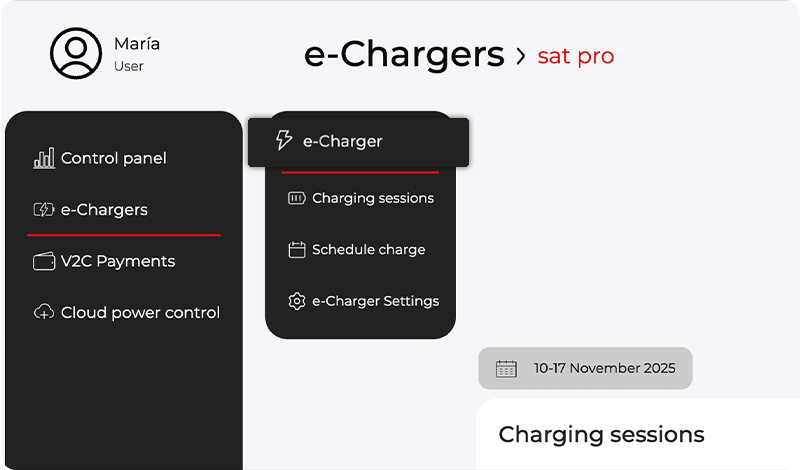
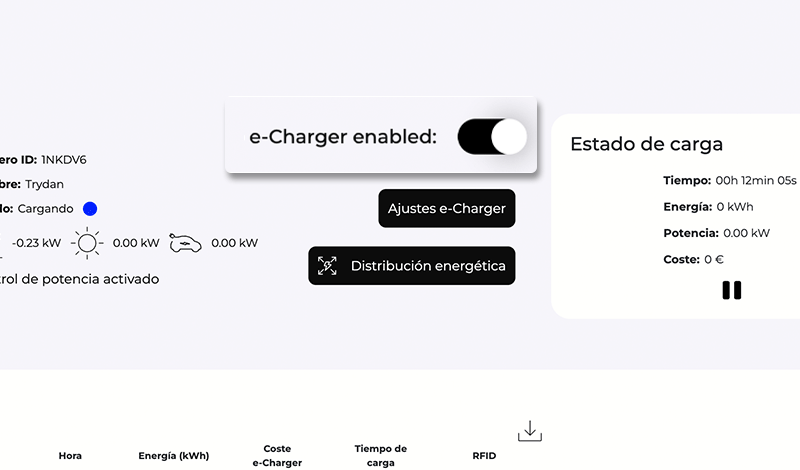
Option 3 – via the navigation buttons
If your device is a Trydan, enable the navigation button shortcuts in Special Options within the E-Charger settings. With this option activated, you can lock and unlock the device by pressing the lower physical navigation button on the left side of the E-Charger.
If your charging point is locked, the display will show e-Charger disabled. If there is no display, the LED lighting remains off and flashes white briefly every 10 seconds.
Option 4 – V2C SmartLock
La tecnología V2C SmartLock de tu e-Charger Trydan permite bloquear y desbloquear de forma inalámbrica el cargador mediante un e-Key (smartwatch, pulsera de actividad, llavero o incluso con tu coche), es decir, un dispositivo que utiliza la conectividad BLE (Bluetooth Low Energy o bajo consumo de energía de Bluetooth).
V2C SmartLock no solo simplifica el proceso de carga, también refuerza la seguridad al bloquear automáticamente el cargador cuando te alejas.