
Access
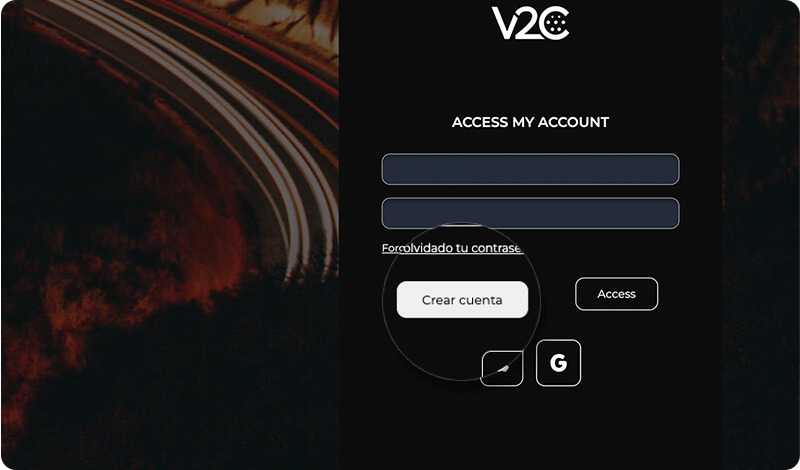
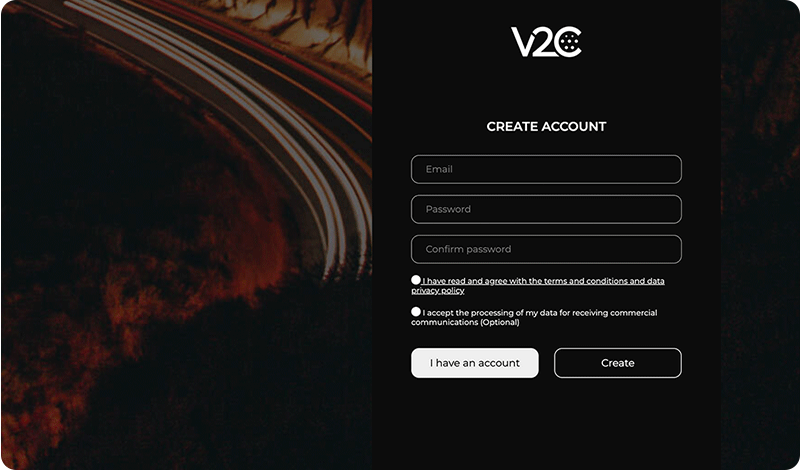
Once you have downloaded the application, to access it from the app or from your computer (www.v2c.cloud), you will need to create an account. You have three options:
- With your email address
- With your Google account
- With your Apple account (only available for iOS users)
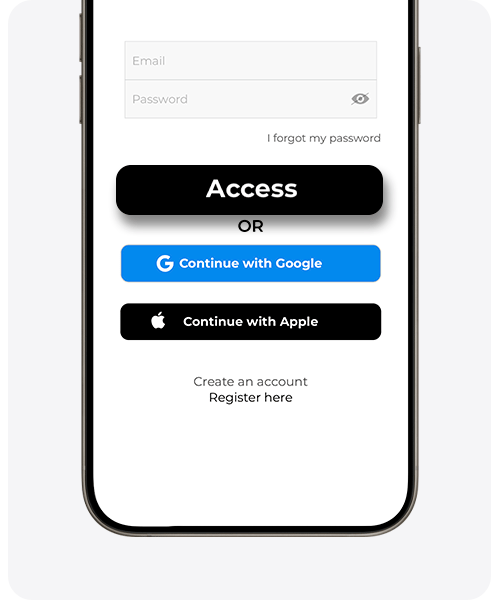
With your Google or Apple account (only available for iOS users): Click the corresponding button and follow the prompts.
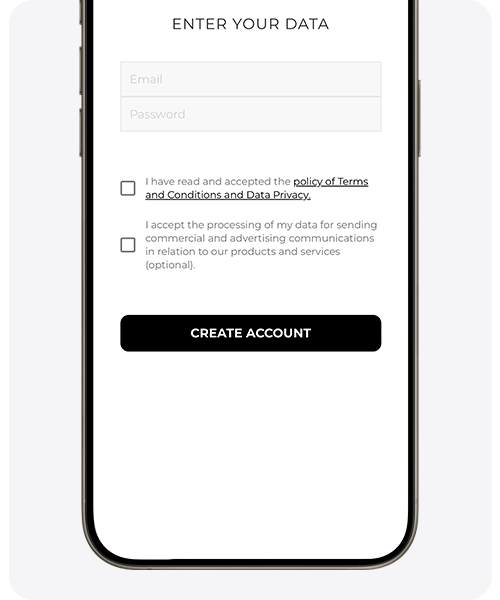
With your email: Click on ‘register here’, enter your details and select ‘create account’.
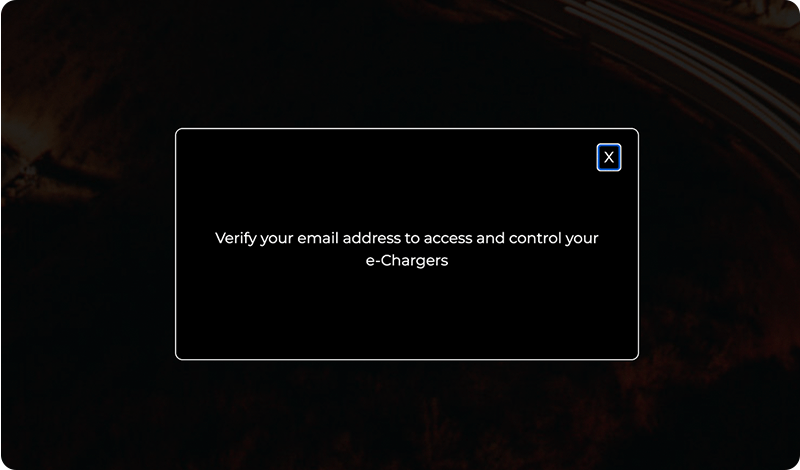
IMPORTANT: At the end of the registration you will automatically receive a confirmation email. If you do not find it in your inbox, please check your spam or junk mail folder. You will not be able to log in without confirming your email address. If you experience problems registering your email, it may have been previously registered. In case you forget your password, use the password recovery option.
To log in, follow the instructions shown in the images below.
To log out, simply click the profile icon and then select Log out.
V2C Cloud – smartphone version
V2C Cloud – web version